
How to Contact me88 Support
Three ways to reach me88 support: live chat on the site and in the app, Telegram, and email at marketing@me88.com. Live chat is advertised as running around the clock and is reachable from a floating button on every page, which makes it the fastest route for anything urgent.
What follows is less about the channels than about what to put in the message. Support questions involving money get resolved quickly when the first message contains a username and a transaction reference, and slowly when it contains neither. Below: which channel suits which problem, what to include, and what to check before writing at all. The platform overview is on the me88 Malaysia home page.

Support Channels
Each channel has a job it does better than the others.
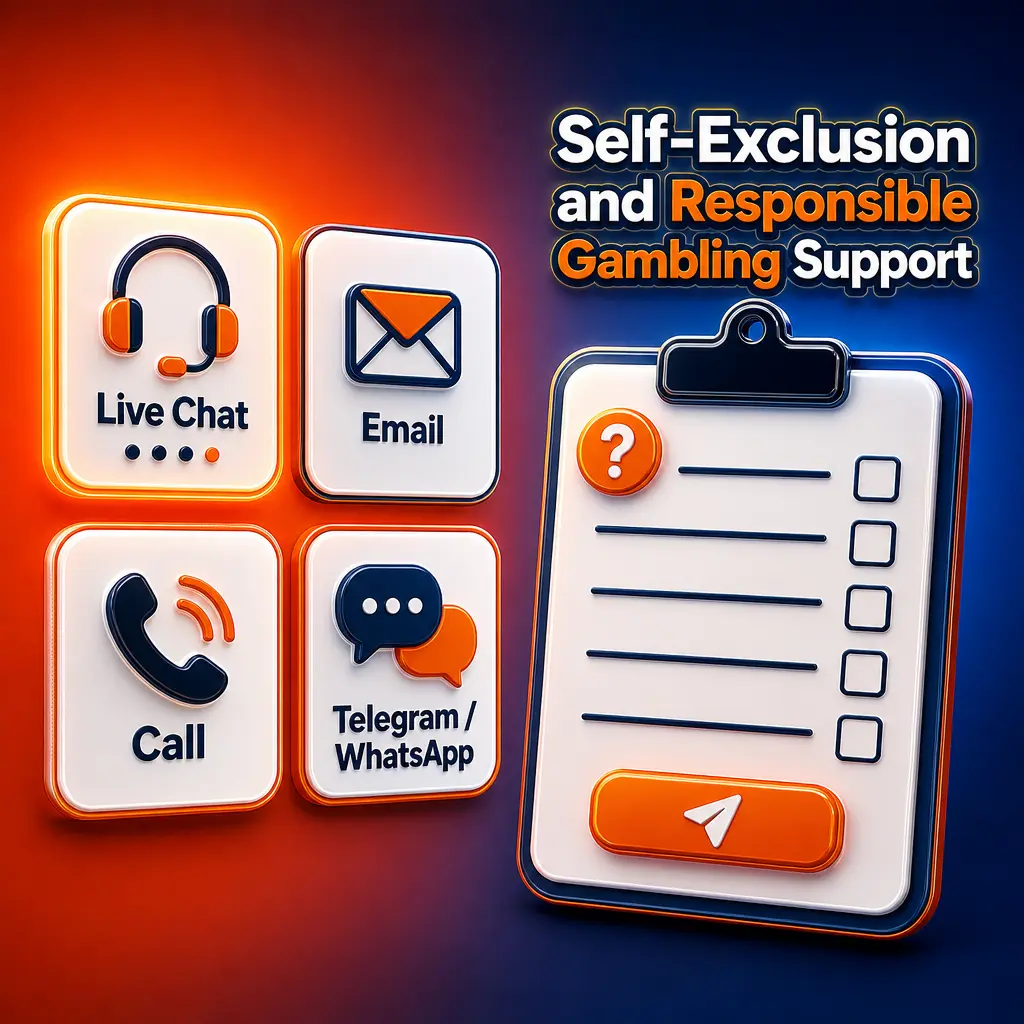
| Channel | Best for | What to have ready |
|---|---|---|
| Live chat | Anything urgent: stuck deposits, login trouble, a pending payout | Username, transaction reference, a screenshot if there is an error |
| Telegram | Follow-ups, questions you can leave and return to, sending images | Username and a short description in the first message |
| Email (marketing@me88.com) | Anything needing documents or a written record | Username in the subject line, attachments in one message |
Live chat is the default for most situations because it is synchronous: an agent can check the account while you are still there, which turns a two day email exchange into a five minute conversation. Telegram suits people who would rather not sit in a chat window, and email is the right choice when something needs to be documented or attached.
No response time is published anywhere, and this page will not invent one. What does reliably shorten the wait is the quality of the first message.
One thing worth knowing about all three: they answer account questions only for the account holder. Support cannot discuss somebody else's balance with you, however the request is framed.
Writing to Support on Telegram
The me88 telegram route is the same support team in a different window. Open the official channel linked from the site, send your question, and include your account username in that first message rather than waiting to be asked, because without it nothing about your account can be checked.
Screenshots help more here than anywhere else, since sending an image in a messenger is trivial. A picture of the error, the pending transaction or the promotion screen you are asking about usually removes an entire round of clarifying questions.
Now the part that matters most. Official support never messages you first, and never asks for your password, a one-time banking code or a transfer. Fake channels imitating gambling brands are common in this market, and they work by reaching out with an offer or a warning and asking you to confirm something. Reach support through the link on the site rather than through a channel somebody forwarded to you, and treat any unsolicited message claiming to be the brand as fraudulent regardless of how convincing the profile looks.
What to Include in Your Message
Six items. Together they take a minute to gather and they are the difference between one exchange and five.
- Your username. Not your email, not your phone number. The account is identified by username.
- The transaction reference. For anything involving money, this is the single most useful line in your message. It is in your account history.
- Date and time. Including your timezone if you are writing about something that happened overnight.
- The amount and the channel. MYR figure, and whether it went through online banking, an e-wallet, a card or crypto.
- A screenshot. Of the error, the pending status or the receipt.
- One paragraph describing the problem. What you did, what you expected, what happened instead.
Payment questions without a transaction reference take considerably longer, because the first reply will be a request for it. Keep receipts until money has actually arrived rather than until the payment screen closes. The payout process is covered in the withdrawal guide.
A short worked example of a good first message: username, the transaction reference, the amount and channel, the time it happened, and one sentence saying the deposit has not arrived. That is enough for an agent to check the account without a single clarifying question.
Common Issues and the Right Channel
Cannot sign in. Live chat. Have your username ready. Try the password recovery link first, since that resolves it without a conversation in most cases. The sign-in flow is described on the me88 login page.
Deposit did not arrive. Live chat, with the receipt. Include the amount, the timestamp, the channel and the reference from your bank or wallet. This is the classic case where a screenshot does the work of ten messages.
Withdrawal is pending. Check the status in your transaction history first, then live chat with the reference. Confirm there is no bonus turnover outstanding and that the receiving account name matches your profile before writing.
Bonus or turnover question. Live chat or Telegram. Say which promo code you selected and which provider wallet the money went into, since offers are attached to both. Terms are on the me88 promotions page.
Verification. Email, so documents and replies stay in one thread. Send everything requested in a single message rather than in instalments.
Technical error in a game. Live chat immediately, while it is happening, with a screenshot and the game name. Round outcomes are resolved on the provider side, so the earlier it is reported the better.
Before You Write
Four checks resolve a large share of support tickets before they are opened, and each takes seconds.
- Is the money still in a provider wallet? Balances left inside a studio after a session are invisible to the withdrawal form. This is the most common cause of a payout that looks broken and is not.
- Is a bonus still running? Bonus balance is locked until its turnover completes, so part of your balance may simply not be withdrawable yet.
- Is the profile complete? Fields that were optional at registration become required at payout.
- Does the receiving account name match your profile exactly? A mismatch stops a withdrawal every time, whatever the reason for it.
If all four are clear and the problem stands, write with the details from the checklist above. Answers to the questions that come up most often are collected on the frequently asked questions page.
None of this is a suggestion that you should avoid contacting support. It is that a check taking ten seconds often resolves what would otherwise be a twenty minute conversation.
Responsible Gaming Support
Support handles more than technical problems. If gambling has stopped being entertainment, the same channels are how you set a deposit limit, take a cooling-off period or close access to the account.
There is no special formula for asking. A message saying you want a deposit limit set, or that you want the account suspended for a period, is enough. You do not owe anyone an explanation, and the request is handled as an account matter rather than as a conversation about your reasons.
Two signs worth taking seriously in yourself: depositing to recover a loss rather than to play, and continuing a session because it has not yet turned around. Either is a reason to use the limits rather than push on. The platform is restricted to players aged 18 and over, and the available controls are described under responsible gaming tools.
Contact Channels
FAQ
Which support channels are available?
Live chat on the site and in the app, Telegram, and email at marketing@me88.com. Live chat is reachable from a floating button on every page rather than through a form.
Is support available at night?
Live chat is advertised as running around the clock. No response time is published, so this page will not promise one, but the channel itself is open.
What should I send about a failed deposit?
Username, the receipt or screenshot, the amount, the timestamp, the payment channel and the reference from your bank or wallet. Without the reference the check takes considerably longer.
Will support ever ask for my password?
No. Genuine support never asks for a password, a one-time banking code or a transfer, and never messages you first. Treat anyone who does as an impostor.
Who do I contact about verification?
Email is the better channel, because documents and replies stay in one thread. Send everything requested in a single message rather than in pieces across several days.
How do I request a deposit limit?
Ask support through any channel. A one-line message is enough and no explanation is required. New accounts can set limits from the start, as described on the create your account page.
Updated: